Read before committing
Court, partner, opponents, wind, light, and the next two contacts shape a useful choice before speed does.
OFFLINE AND ON DEVICE
An offline volleyball rally-rehearsal map for reading space, shaping contacts, coordinating choices, and resetting safely.
THE PRODUCT
Tidecourt Rally breaks volleyball decision-making into the moments that connect one contact to the next: reading available court, stabilizing first contact, creating a hittable window, selecting attack space, coordinating block and defense, and rebuilding after the play changes. The focus is not a perfect isolated technique but a safer, clearer sequence.
Every rally card pairs a dedicated visual with a compact rehearsal cue. A player, partner, coach, or household can browse a court zone, choose a few cards, arrange a short sequence, and close with one learning. The app does not create athlete profiles, assess performance, publish schedules, register teams, or send training data anywhere.
DESIGN PRINCIPLES
Each choice is intentionally small, concrete, and complete enough to use without handing personal information to the software.
Court, partner, opponents, wind, light, and the next two contacts shape a useful choice before speed does.
A controlled ball that gives the next player time is treated as part of a shared rally, not an isolated highlight.
Landing, coverage, transition, partner visibility, and rebuilding base position complete every technical action.
Short specific cues make rehearsal easier to remember and easier to reset after an error.
ONE COMPLETE SESSION
Five recognizable places give the session a beginning, a focused middle, and a deliberate close. Progress can stop after any useful step.
Open one of seven rally zones and scan the purpose of that phase before choosing a practice card.
Browse image-backed cues for space, contact quality, partner coordination, recovery, and changing conditions.
Use the card’s read, contact, and reset structure to rehearse one decision without collecting a video or performance metric.
Arrange predefined local choices into a compact rally sequence that can be reviewed without a roster or login.
Keep one learning, release an unhelpful cue, and return to the court with a simple next focus.
BUNDLED PATH
The library moves from first orientation to a clean ending. Every card is available immediately after installation.
Read open space, partner position, environmental conditions, seam responsibility, and the likely next contacts.
From “Find the open court” to “See the next two contacts”.Prepare the platform, move before setting the angle, choose a safe target, and recover after reception.
From “Build the platform early” to “Check partner visibility”.Arrive balanced, create a useful window, adapt height to conditions, and move into coverage after the set.
From “Arrive balanced” to “Recover into coverage”.See the defender, vary depth and speed, protect the landing, and stay connected to the next ball.
From “See the defender first” to “Cover the next ball”.Coordinate block-or-peel decisions, line up clearly, land under control, and reset defensive responsibility.
From “Decide block or peel” to “Reset communication”.Turn defense into an option by leaving the net, making room, covering, chasing safely, and rebuilding base.
From “Turn defense into an option” to “Breathe before the next serve”.Warm up progressively, communicate one specific cue, respect physical boundaries, reset errors, and end with learning.
From “Warm up progressively” to “End with one learning”.VISUAL FIELD GUIDE
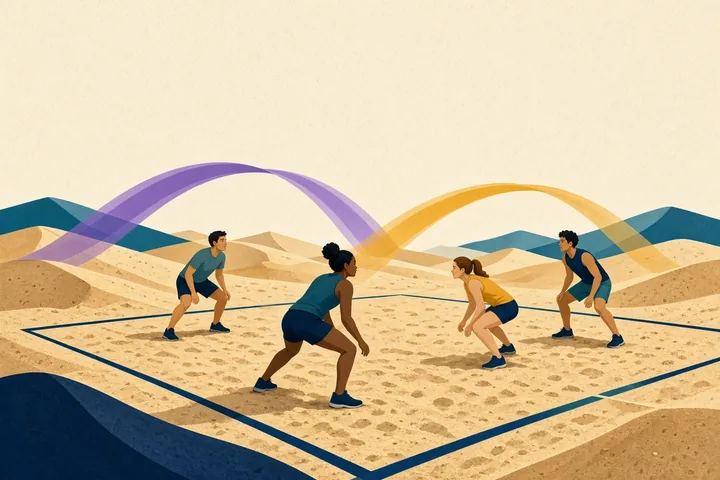
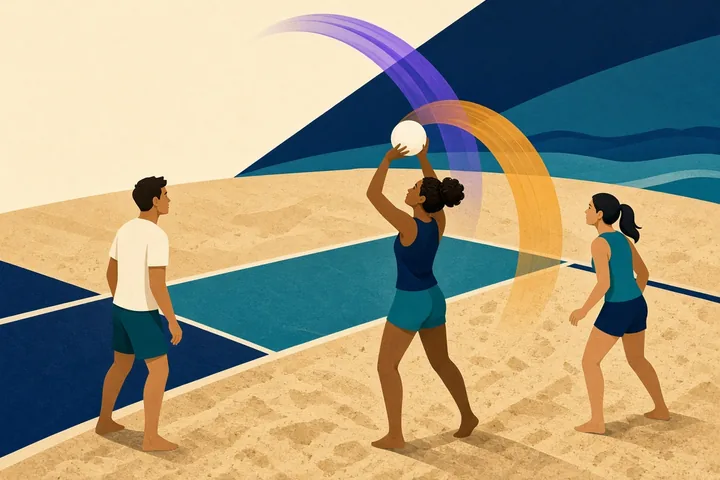
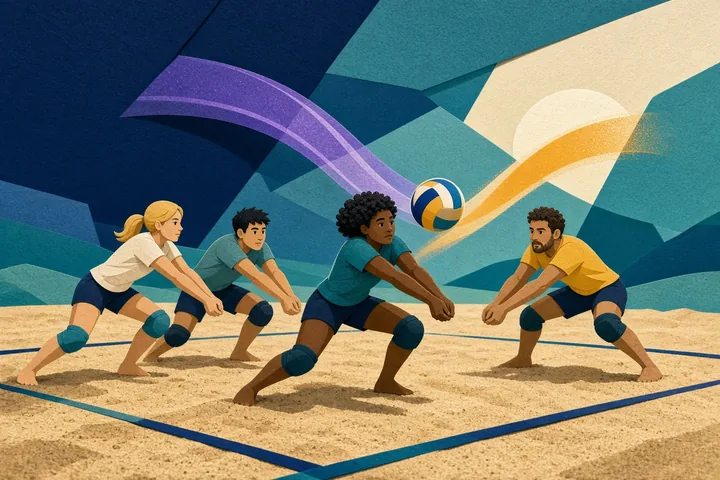
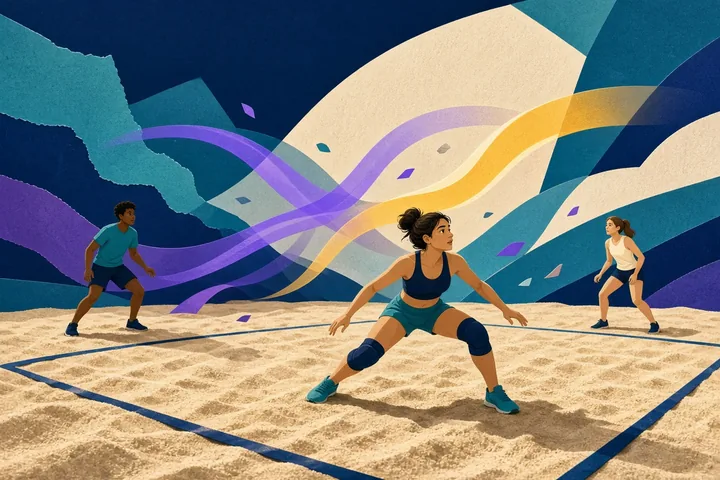
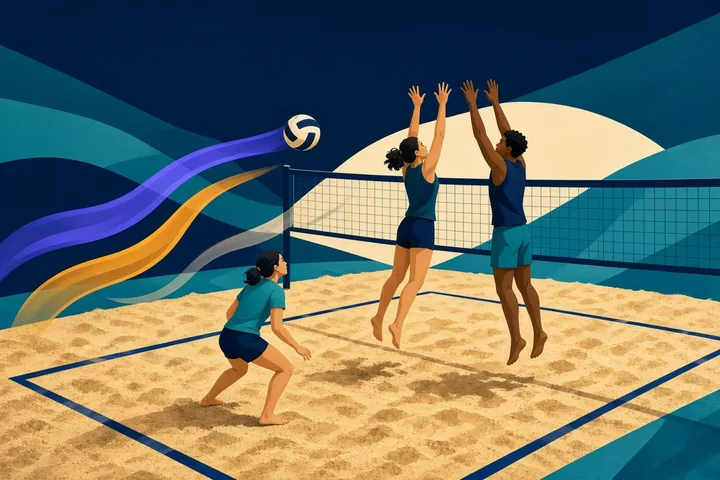
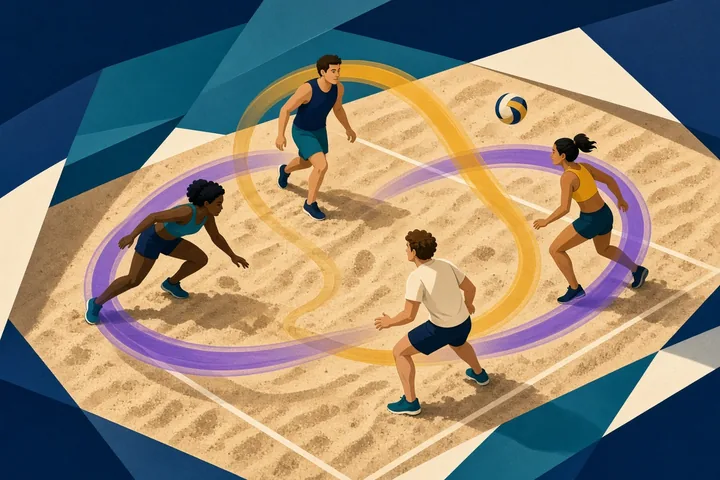
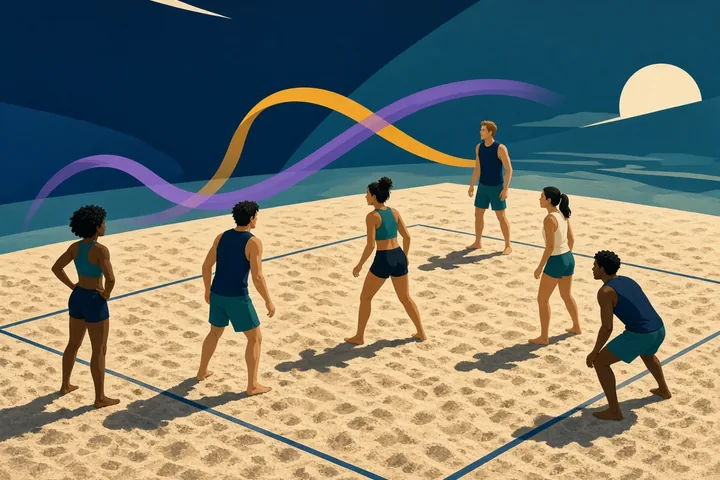
These 7 module images introduce the different parts of the system; every content card then carries its own purpose-built portrait image inside the app.
INSIDE A CARD
Cards keep reading short while preserving the reasoning around a choice. Their content is bundled, repeatable, and available without a feed or remote update.
The first beat names what to notice—space, conditions, partner position, opponent shape, or the next available contact.
The middle beat focuses the contact or movement choice without pretending one cue fits every body or playing condition.
The final beat restores balance, coverage, communication, or base position so the rally can continue.
LOCAL DATA AND CONTROL
Tidecourt Rally retains completed rally-card identifiers, locally selected sequence cues, saved huddle cards, text size, and Reduce Motion preference. It does not store player names, ages, teams, videos, scores, physical measurements, health records, or coach assessments.
No account, server profile, cloud workspace, analytics stream, or publisher-visible activity history.
No Internet, camera, microphone, contact, location, notification, storage, calendar, or advertising permission.
A confirmed in-app action clears supported progress and preferences. Android clear-storage and uninstall controls work too.
COMMON QUESTIONS
These answers describe the behavior of the installed version 1.0.0 release.
No. It has no scores, schedules, registration, roster, messaging, livestream, venue feed, or team administration. Its scope is an offline library of structured rally-rehearsal cues.
No. It does not use the camera, microphone, sensors, or uploaded video. The cards help a person notice and rehearse choices; they do not measure biomechanics or rate performance.
Yes. Predefined selections can be arranged in the local Sequence Rack and reviewed in the Session Huddle. Nothing is transmitted or shared by the app.
No. Real play should follow current competition rules, qualified coaching, guardian direction where relevant, venue requirements, weather conditions, and individual physical limits.
Completed card IDs, selected sequence cues, saved huddle cards, and accessibility preferences can remain in private storage on that device.
Use Erase local data in the utility panel. Android’s clear-storage and uninstall controls also remove the app’s private state.
PRIVACY IN FULL
The full policy explains scope, local storage, permissions, network behavior, third parties, retention, erasure, backup, security, children and families, professional limits, changes, and publisher information in 18 detailed sections.